Explorer
Search by name, set, type, or rarity. Open any card for full details and current market pricing.
Pokemon TCG · live pricing
Search 19,000+ cards across 160+ sets. Compare printings, check TCGPlayer and Cardmarket prices, and save what you own, all in one place.
Follow on XEvery feature reads the same live data. A card you find in Explorer shows the same price when you scan or save it.
Search by name, set, type, or rarity. Open any card for full details and current market pricing.
Photograph a card, confirm its name, and pull the listing. Built for quick lookups at a shop or show.
Save cards you own on this device. Nothing leaves your browser and no account is required.
From search bar to saved card: three steps, same flow every time.
Type a card name. Narrow by set, type, and rarity until you find the exact printing.
Open a card to see rarity, artist, HP, types, and market price beside other versions.
Add it to your collection. It stays on this device for your next visit.
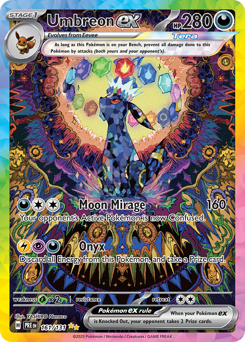
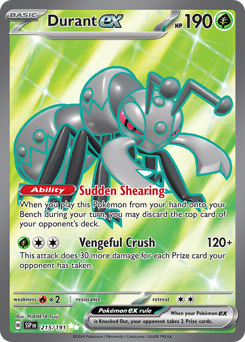
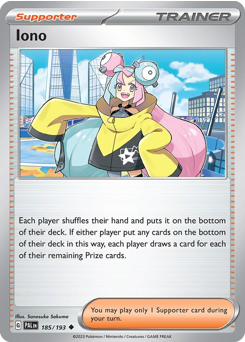
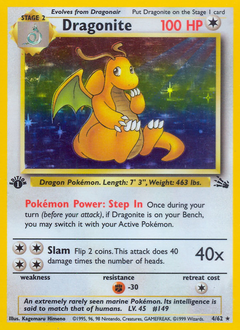
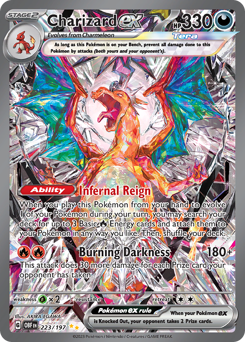
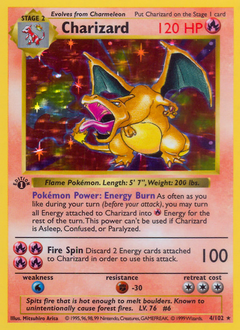
A few highlights from the catalog. Browse every set in the Explorer.
Data sources, pricing freshness, and how your collection is stored.
Card details, images, and set info come from the Pokemon TCG API. English print sets from 1999 through the current rotation.
Prices come from TCGPlayer and Cardmarket listings in each card record. They update on the source's schedule. A solid reference, not a live ticker.
Open any card and tap Add to collection. It appears under the Collection tab, stored in this browser on this device.
Not yet. Upload a photo for reference, then confirm the card name to pull its listing. Auto-recognition is planned.